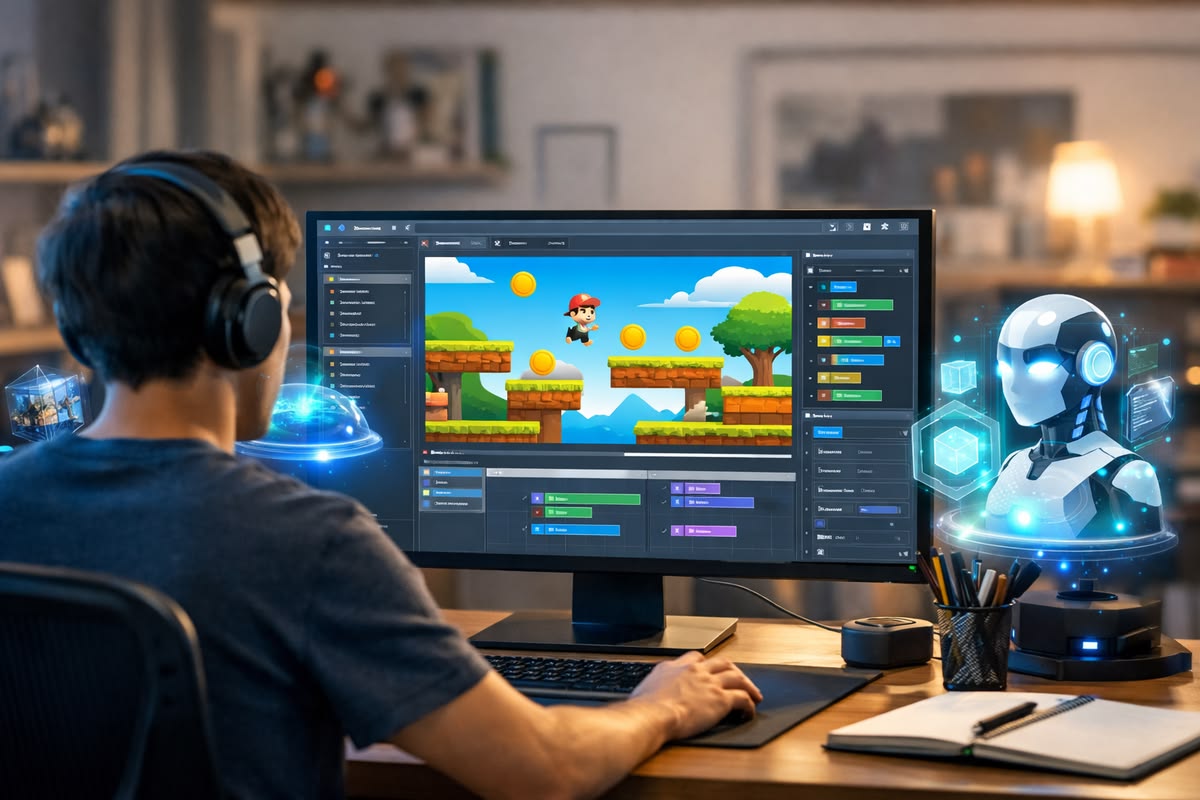
Creating a video game is no longer limited to programmers. Today, anyone can learn how to make a game without coding using beginner-friendly no-code platforms and AI tools. These tools allow you to design characters, build levels, and add game logic using simple drag-and-drop systems. Whether you want to create a mobile game, start indie game development, or turn your ideas into reality, no coding is required. In this guide, you’ll learn the exact steps, best tools, and modern methods beginners use in 2026 to create and publish their first game.
What You Need Before Making a Game Without Coding
Before you start, you only need a few basic things:
Essential requirements:
- A computer or laptop
- Internet connection
- A no-code game engine
- A simple game idea
- Free game assets (optional)
You do NOT need:
- Programming skills
- Coding knowledge
- Professional experience
Anyone can start as a beginner.
Step 1: Choose the Right No-Code Game Engine (Most Important Step)
A game engine is the software used to create games. For beginners, these are the best no-code game engines:
Best beginner-friendly options:
GDevelop (Recommended for beginners)
Best because:
- Completely free
- Easy interface
- No coding required
- Export to mobile, PC, and web
Best for: Beginners and 2D games
Construct 3
Best because:
- Runs in browser
- Easy drag-and-drop system
- Fast game creation
Best for: Beginners and web games
Buildbox
Best because:
- Focus on mobile games
- Fast development
- Beginner friendly
Best for: Mobile games
Beginner recommendation: Start with GDevelop.
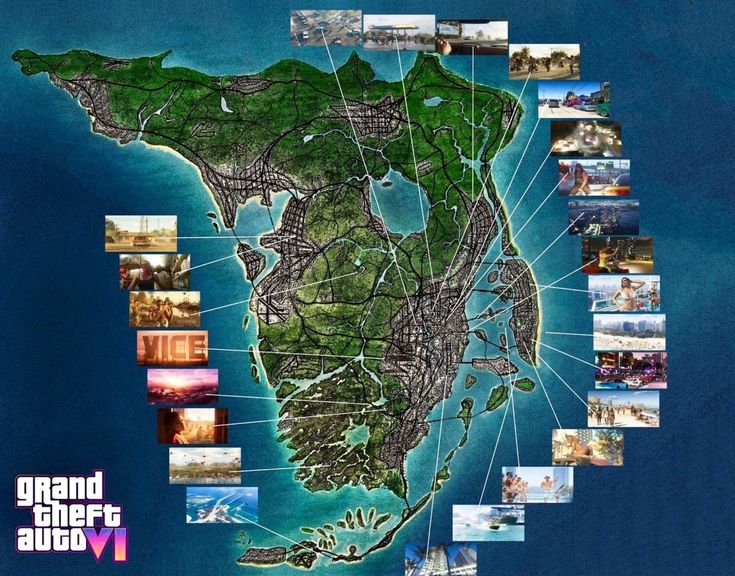
You may also like: GTA 6 Map Leaks: Vice City, New Cities & Secret Locations
Step 2: Install and Open the Game Engine
Example using GDevelop:
- Go to the GDevelop website
- Download and install
- Open the software
- Click “Create New Project”
You now have your game workspace.
Step 3: Create Your Main Game Character
Every game needs a player character.
In GDevelop:
- Click “Add Object”
- Select “Sprite”
- Upload character image
- Name your character (example: Player)
You have now created your player.
You can use:
- Free assets from itch.io
- Free assets from OpenGameArt
- AI generated images
Step 4: Create the Game Environment
Now create your game world.
Add:
- Ground or platform
- Background
- Obstacles
- Coins or rewards
Steps:
- Click “Add Object”
- Select sprite
- Upload platform image
- Place it in the scene
Your game environment is ready.
Step 5: Add Player Movement Without Coding
This is done using built-in behavior.
Steps:
- Select your player object
- Click “Add Behavior”
- Choose “Platform Character”
- Apply behavior
Now your player can:
- Move left
- Move right
- Jump
No coding needed.
Step 6: Add Game Logic Using Visual Events
Game logic controls how the game works.
Example: Increase score when touching coin
Steps:
- Open “Events”
- Click “Add Event”
- Add condition → Player touches coin
- Add action → Increase score
This creates game functionality.
You are using visual logic instead of coding.
Step 7: Add Enemies or Obstacles
To make your game challenging:
Steps:
- Add enemy sprite
- Place enemy in scene
- Add event:
Condition: Player touches enemy
Action: Game over
This creates challenge.
Step 8: Add Sound Effects and Music
Sound improves game quality.
Add:
- Background music
- Jump sound
- Coin sound
Steps:
- Open events
- Add action → Play sound
- Select sound file
Your game becomes more engaging.
Step 9: Test Your Game
Testing is very important.
Click “Preview”
Check:
- Player movement
- Collision
- Sound
- Score system
Fix any problems.
Testing improves quality.
Step 10: Export and Publish Your Game
You can export your game to:
- PC
- Android
- Web browser
In GDevelop:
Click “Export”
Choose platform.
Your game is ready.
You can share it with others.
Example Beginner Game You Can Create Today
Simple coin collection game:
Goal:
- Player collects coins
- Avoid enemies
- Reach target score
Features:
- Player movement
- Score system
- Obstacles
- Sound effects
This type of game can be created in 1–2 days.
How AI Helps You Make Games Faster (2026 Trend)
AI tools help beginners create games faster.
AI can generate:
- Characters
- Background images
- Game ideas
- Sound effects
This saves time.
AI makes development easier.
Don’t miss: Kerby Ball Game: Rules, History, and How to Play
Can You Earn Money From No-Code Games?
Yes, you can earn money.
Ways include:
- Mobile ads
- Selling games
- Publishing online
- Freelance game development
Many indie developers start this way.
Common Beginner Mistakes to Avoid
Avoid these mistakes:
- Starting with complex game
- Adding too many features
- Not testing game
- Quitting too early
Start simple.
Improve step by step.
Best Beginner Game Ideas Without Coding
Start with simple games like:
- Coin collection game
- Endless runner
- Puzzle game
- Platformer game
Simple games are easier to complete.
How Long Does It Take to Make a Game Without Coding?
Time depends on game complexity.
Basic game: 1–3 days
Medium game: 1–2 weeks
Advanced game: 1–3 months
Beginners should start simple.
Conclusion
Learning how to make a game without coding is easier than ever in 2026. With no-code tools like GDevelop, Construct 3, and AI-powered platforms, anyone can create games without programming knowledge. By following the step-by-step process in this guide, beginners can design characters, build levels, add logic, and publish their own games successfully.
Game development is no longer limited to programmers. With practice and the right tools, anyone can become a game creator.
FAQs
Can beginners really make games without coding?
Yes, beginners can create games using no-code game engines.
What is the best no-code game engine?
GDevelop is best for beginners.
Is no-code game development free?
Yes, many tools like GDevelop are free.
Can I publish my game?
Yes, you can publish on mobile, PC, and web.
Is no-code game development worth learning?
Yes, it is one of the easiest ways to start game development